
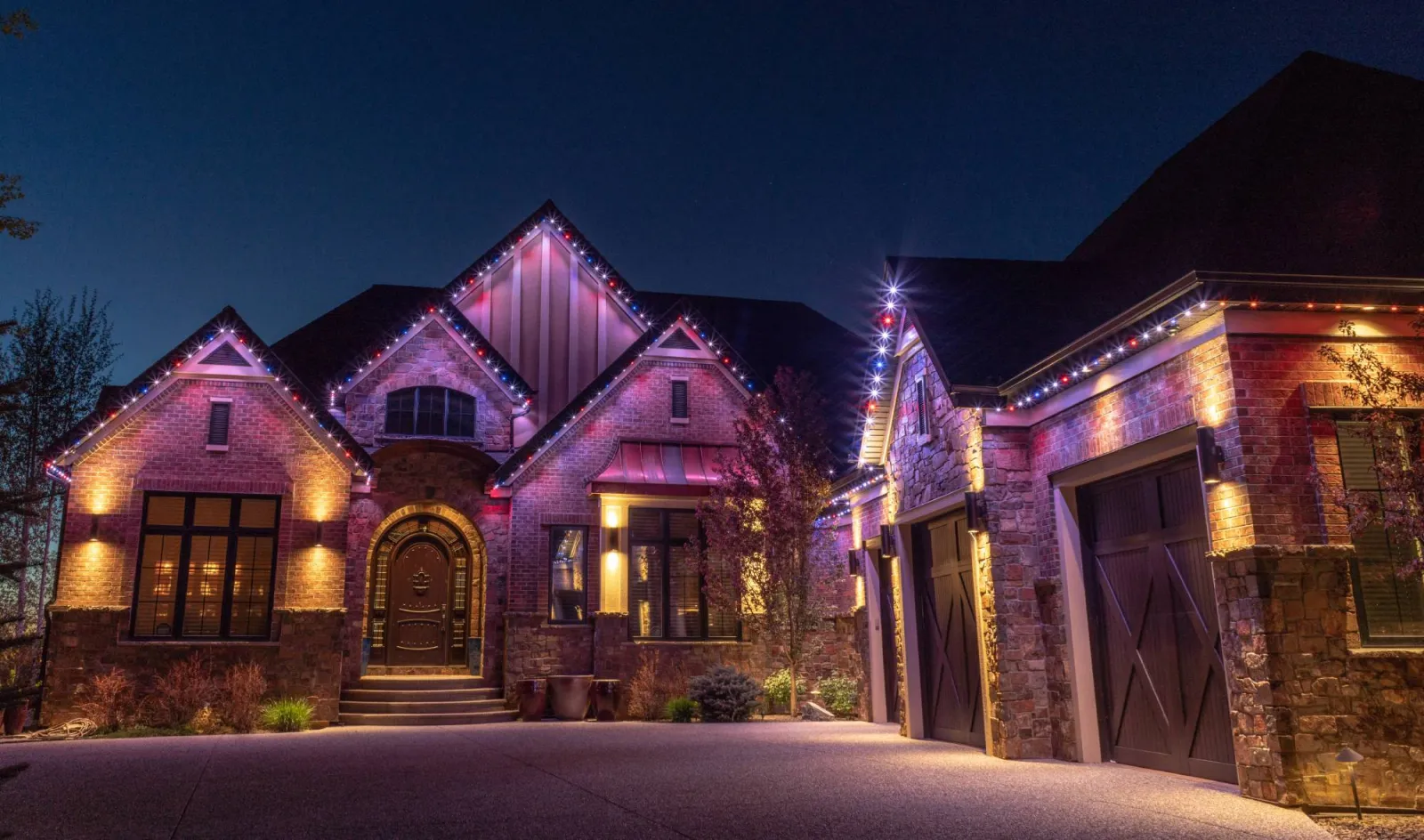
Autopilot
Gemstone Lights Autopilot
for Every Holiday
Subscribe to the holidays you care about once, and Gemstone Lights® Autopilot changes the lights on your house for each one. No ladder and no reminders, whether you live in Lawrenceville, Suwanee or Cumming.
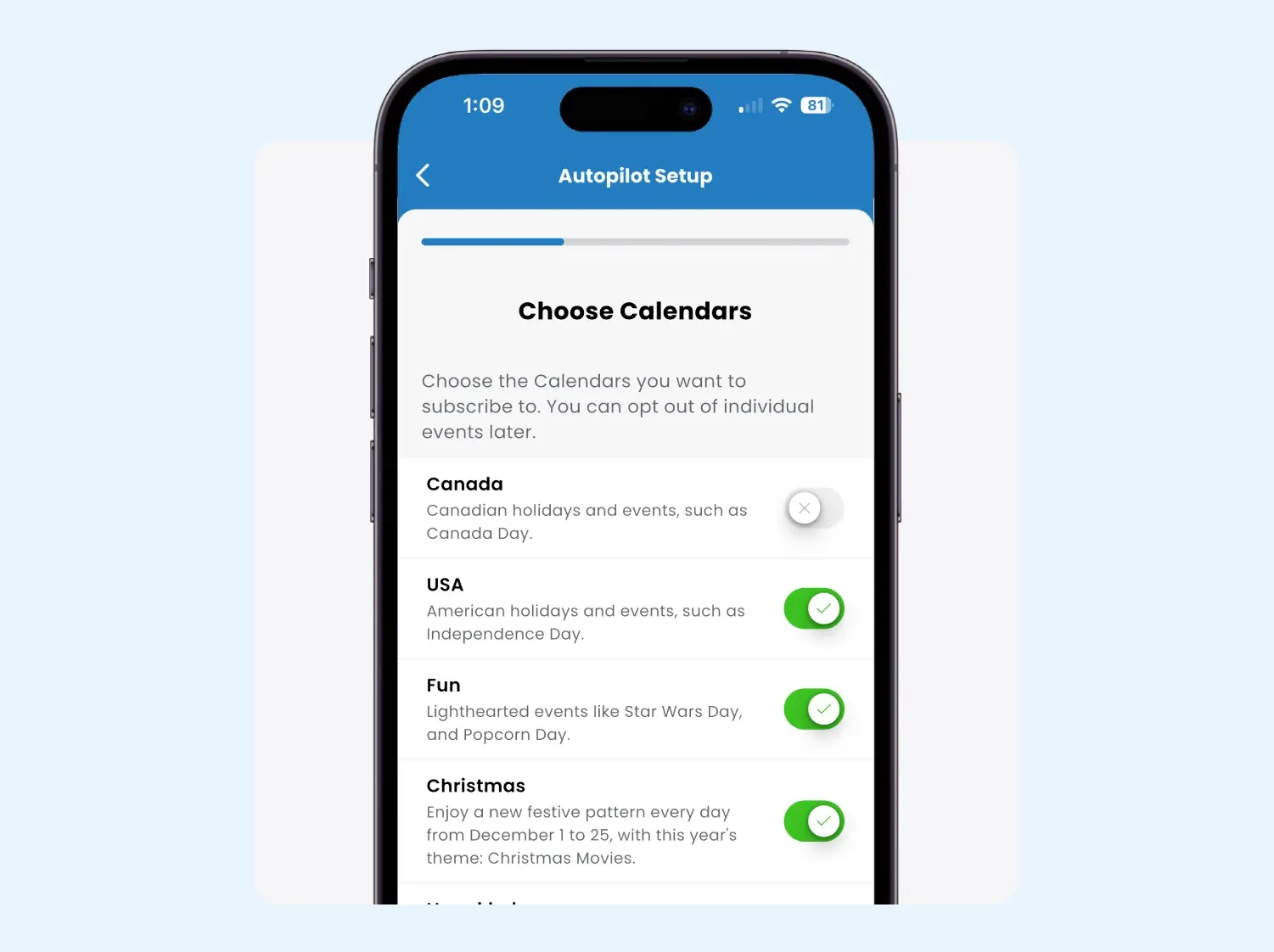
Set up
A Whole Year Set Up in Minutes
Autopilot is the part of the Gemstone Lights app that handles holidays for you. You subscribe to event calendars, and on each date your lights switch to a pattern picked for the occasion. Christmas in December, orange and purple at the end of October, red, white and blue for the Fourth.
Most people set up a full year of holidays in under five minutes. Pick the calendars, choose whether you want animated or still patterns, and Autopilot lines the rest up.
It also changes how the season feels. There is no weekend on a ladder in the cold, and nothing to remember on Christmas Eve. If you are used to hanging lights every year, the permanent Christmas lights page shows what the switch looks like.
How Autopilot Works
-
Step 1: Subscribe
Choose the calendars you want, from major holidays to seasons and sports events. Skip the ones you do not celebrate.
-
Step 2: Choose the style
Pick favorite patterns yourself, or leave it to Autopilot’s curated picks. You can keep things still or let the lights move.
-
Step 3: It takes over on the day
On a subscribed date, Autopilot overrides your daily or weekly timers and plays a pattern chosen for that event.
-
Step 4: Everyday nights stay yours
The rest of the year your regular schedules run as usual, such as warm white from dusk to bedtime.
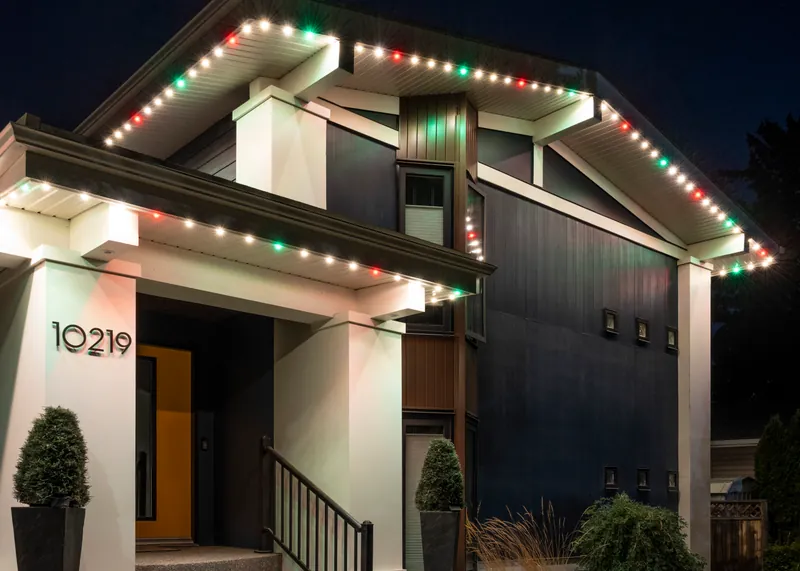
Calendars
What You Can Subscribe To
The Autopilot library covers the big holidays and plenty of smaller ones: Christmas, Hanukkah, Halloween, Valentine’s Day, New Year’s, the Fourth of July, Easter and Diwali among them. It also includes seasons, so the house can drift from autumn tones into icy winter blues without you touching it.
There are awareness campaigns too, such as pink and white for Breast Cancer Awareness Month in October, and sports events for nights when the whole street is watching the game.
See the ideas behind each one on the Halloween, 4th of July and game day lighting pages.
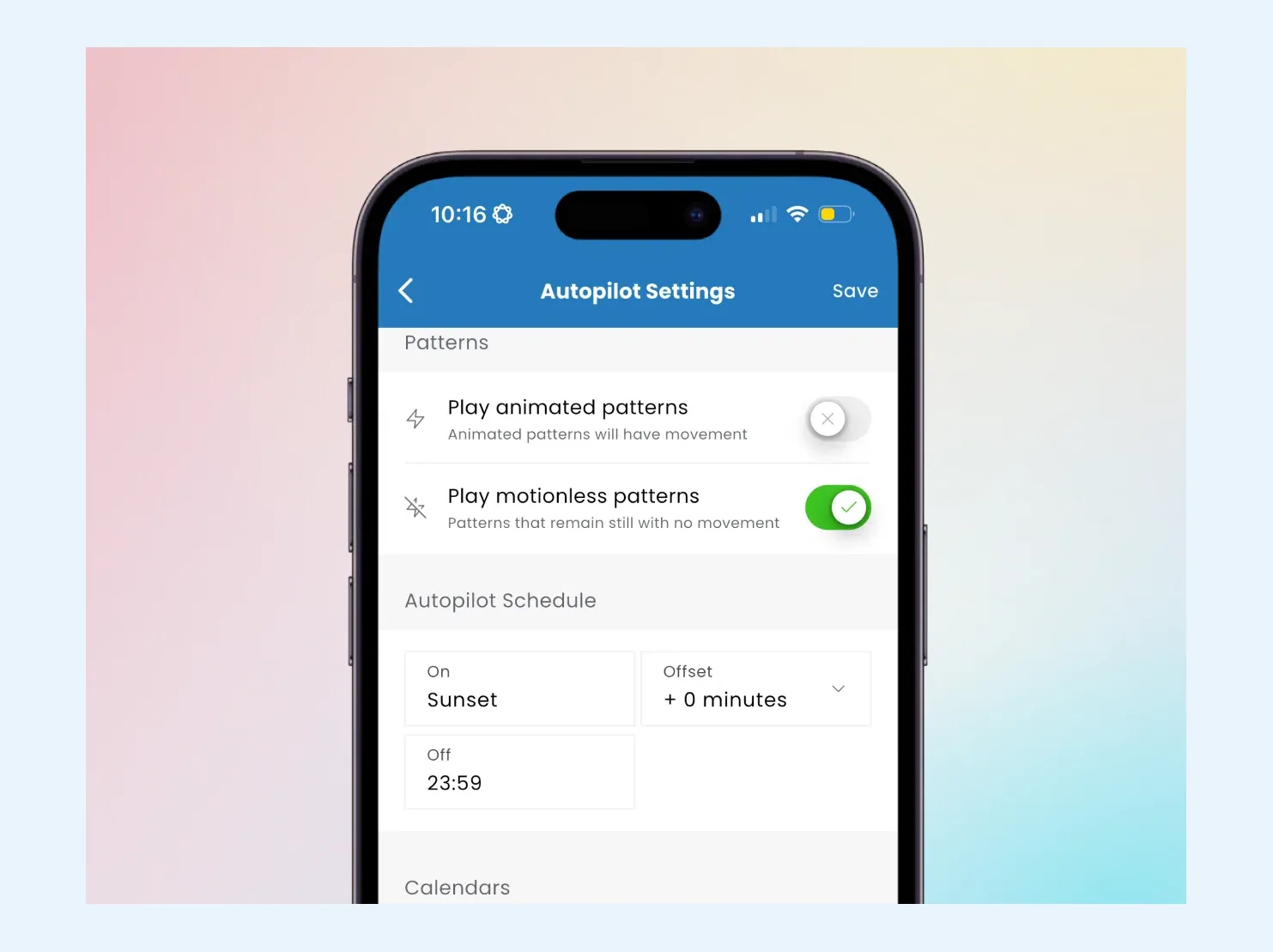
Control
You Stay in Charge
Autopilot automates the schedule, and you can still take over whenever you like. Open the app at any time and change the colors, switch the animation or put on a different look for a birthday or a party, then let Autopilot carry on.
It follows the calendar on its own, too. When sunset moves earlier in the fall or the clocks change for daylight saving time, the lights still come on at the right moment without any reprogramming. And because the app is cloud-connected, you can check in from anywhere, which is handy when you are away for the holidays and want the house looking lived-in.
Who Gets the Most From Autopilot
Busy families
Load the season in early November and forget about it until after New Year’s.
The house stays festive, and looks occupied, while you are away.
Anyone done with ladders
Every major holiday gets its lights without anyone climbing onto the roof.
Plan colors season by season and let the calendar roll them out.
Autopilot FAQs
Most people set up a full year of holidays in under five minutes. You pick the holidays you want and how you would like them to look, and Autopilot handles the dates. Your installer can walk you through it when your system goes in.
Yes. Autopilot only automates the schedule. Open the app whenever you like to adjust colors, swap the animation or pick another look entirely, and Autopilot picks up again on the next date.
The library covers the major holidays, including Christmas, Hanukkah, Halloween, Valentine’s Day, New Year’s, the Fourth of July, Easter and Diwali. It also has seasons, sports events and awareness campaigns such as Breast Cancer Awareness Month.
Subscribe only to the holidays you celebrate. You can also leave Autopilot off entirely and run your lights with regular timers and the app.
Yes. It follows seasonal changes and daylight saving time, so when sunset comes earlier in November the lights still turn on right on cue.
Yes. Gemstone Lights Autopilot is part of the Gemstone Lights app, which runs on the Hub2 controller. If your home still has the original Hub, see upgrading to Hub2.
Keep exploring
See What This Could Look Like
on Your Home
Tell us a little about your home, and we'll help you understand what a professionally installed Gemstone Lights system could look like for your space.
Thanks — your request is in. A specialist will be in touch shortly.