
Holiday Lighting
Permanent Holiday Lights
for Every Celebration
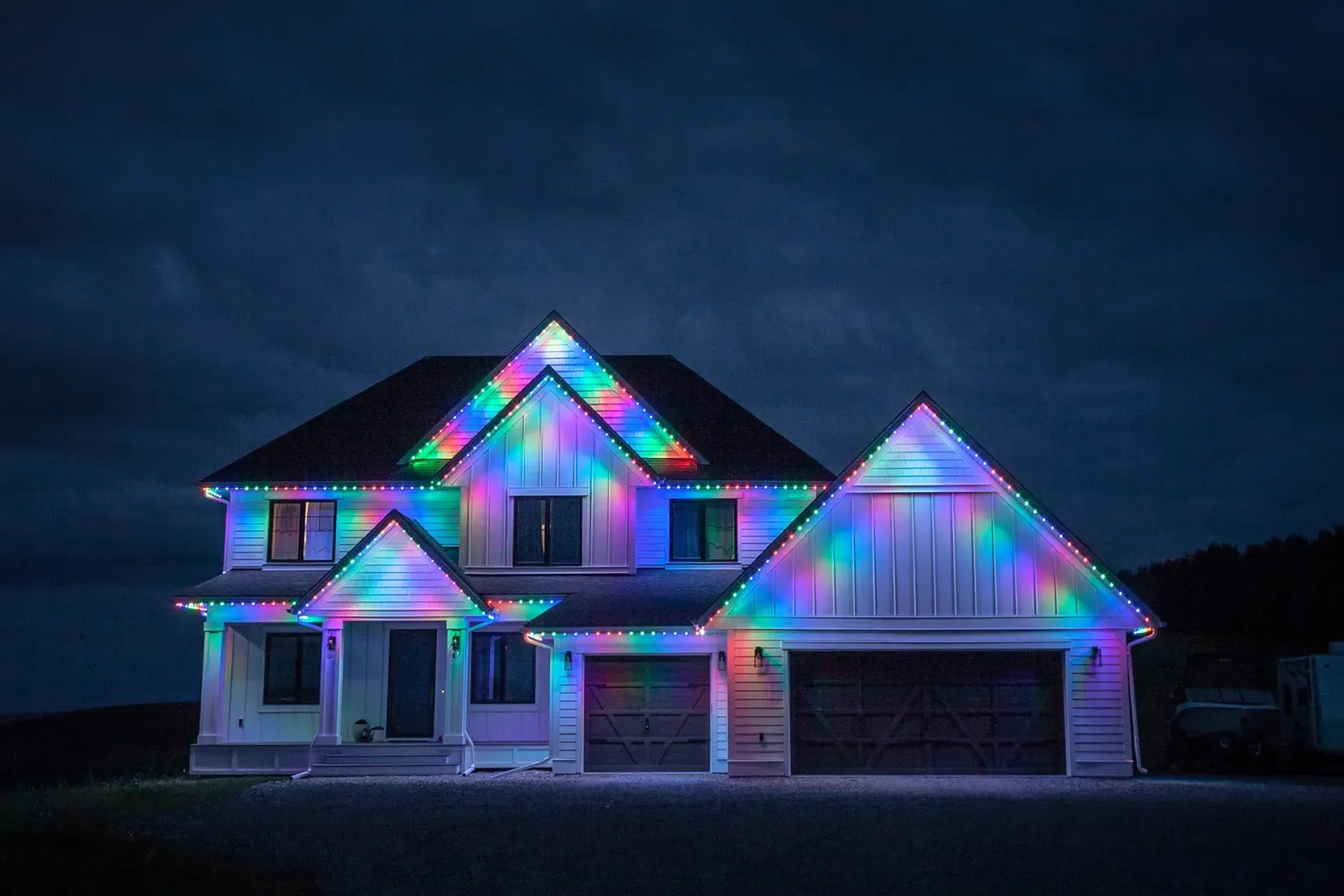
Permanent holiday lights from Gemstone Lights® Atlanta stay on your roofline all year and change with the calendar, from Valentine's pink to Christmas red and green. One install for North Atlanta homes, then every holiday is a tap away.
One system
One Install for the Whole Calendar
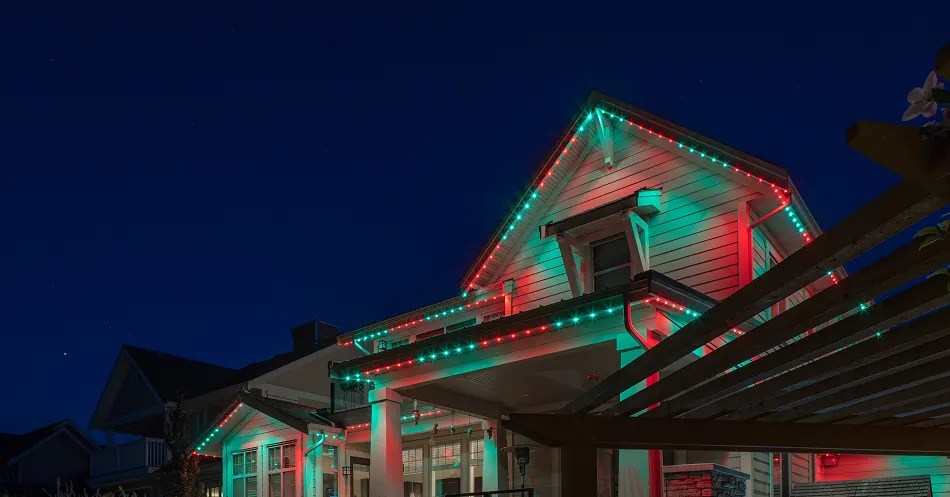
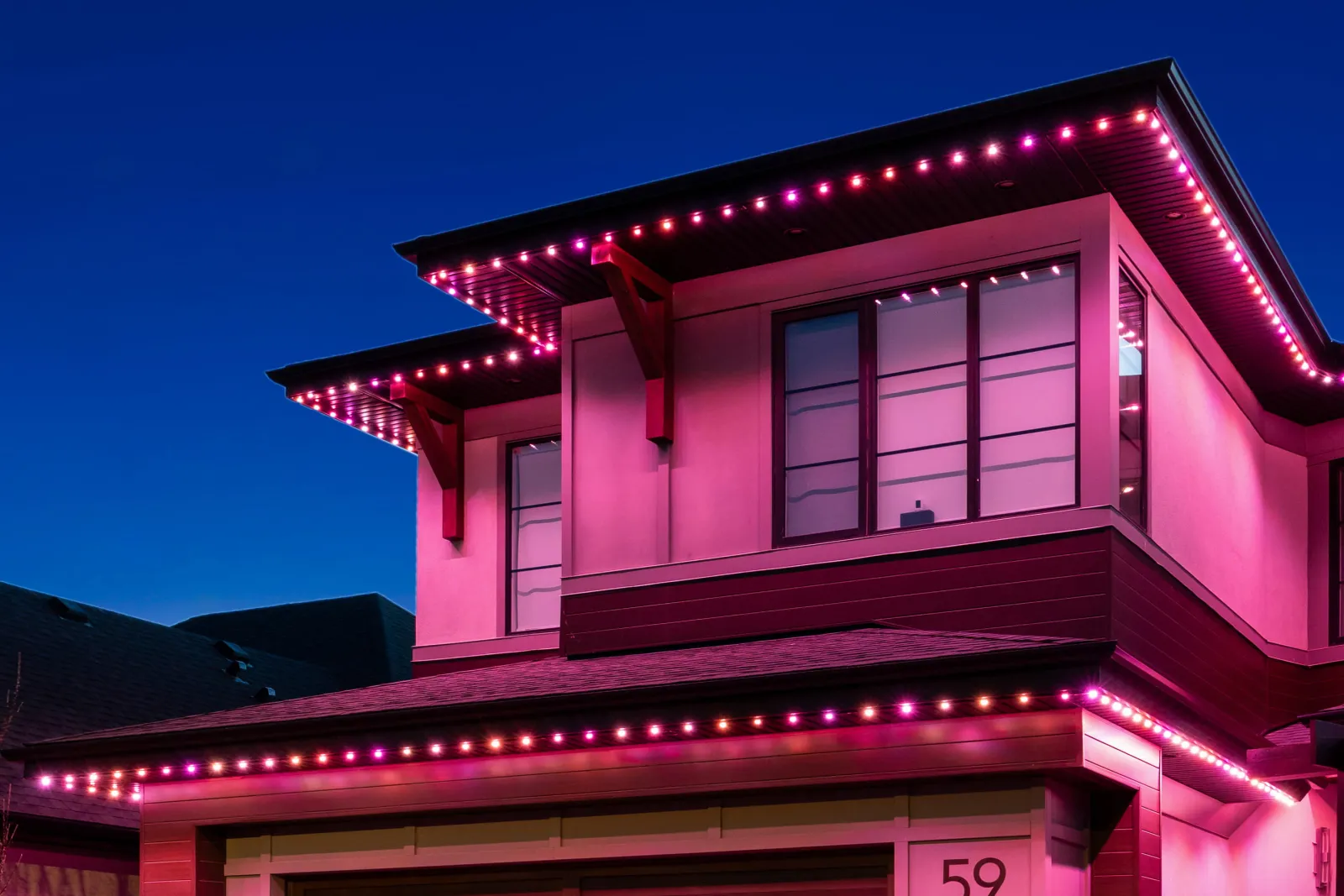
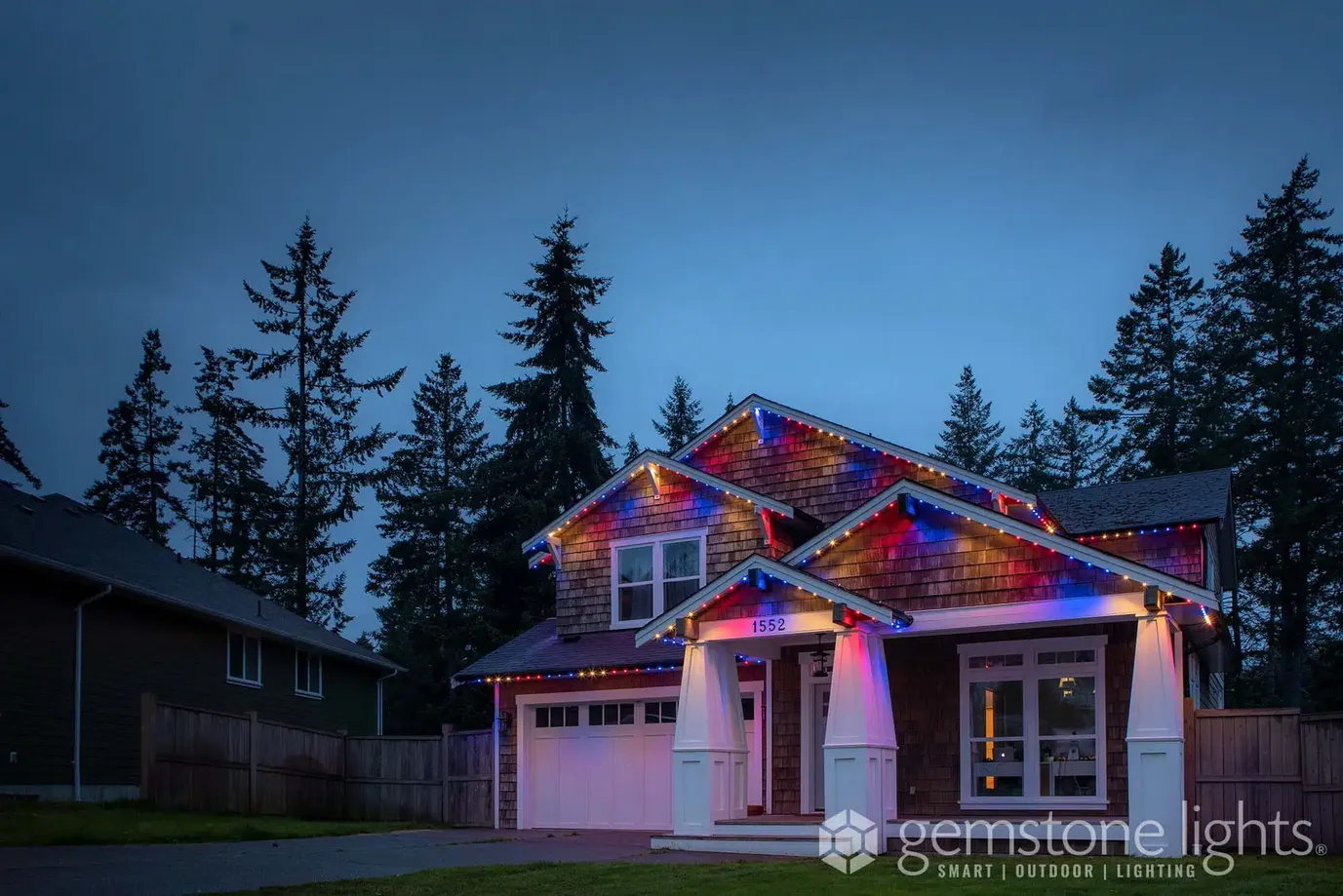
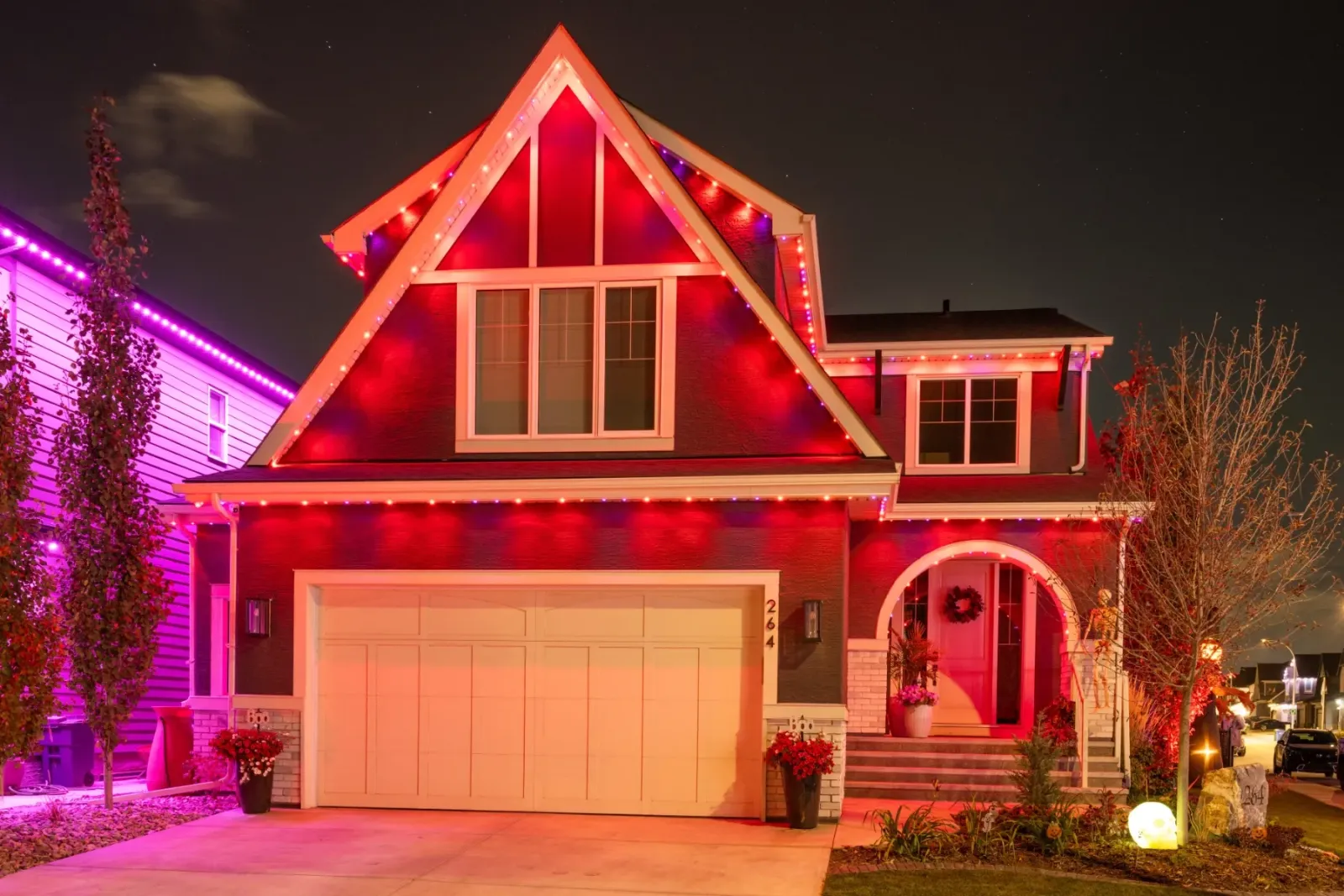
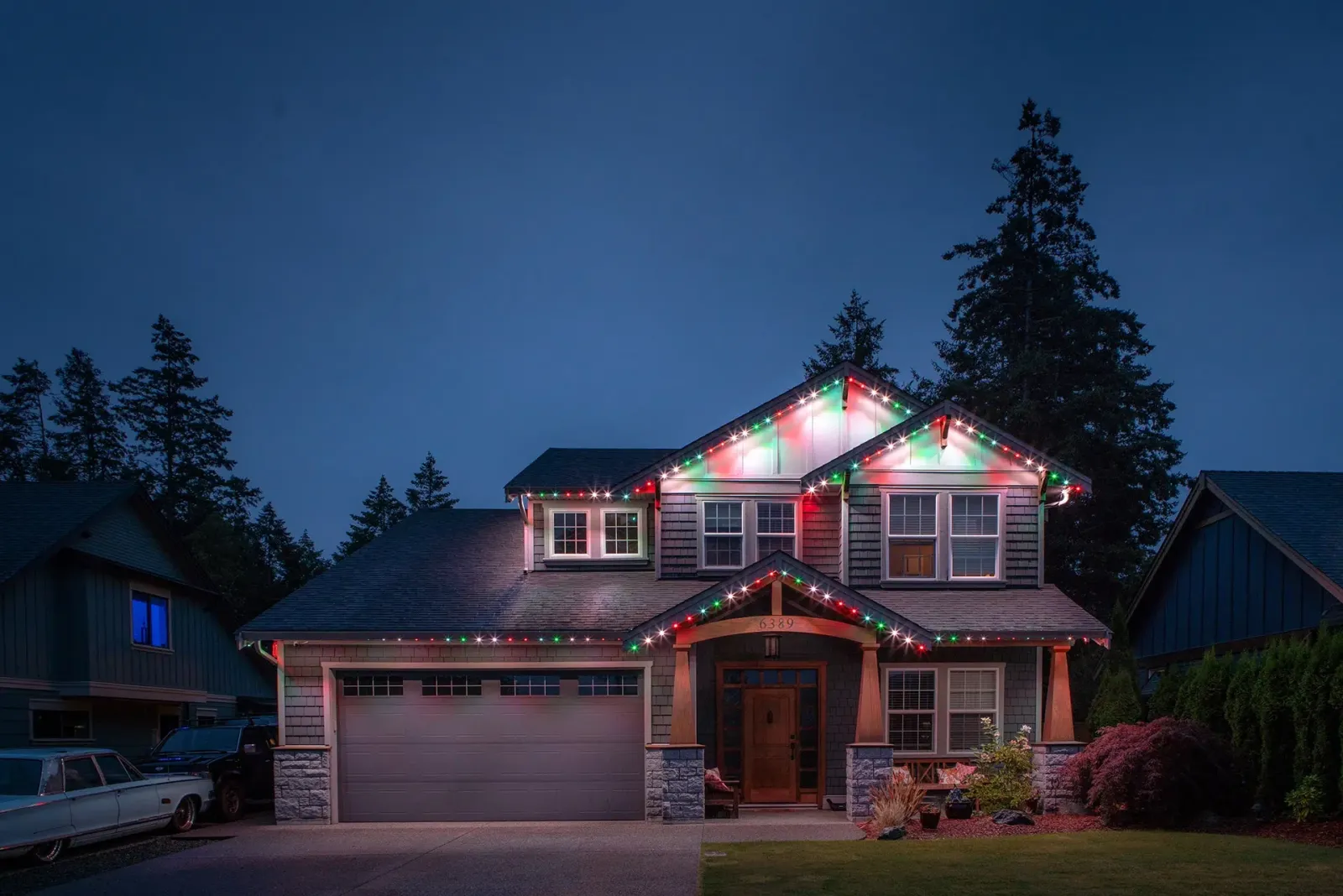
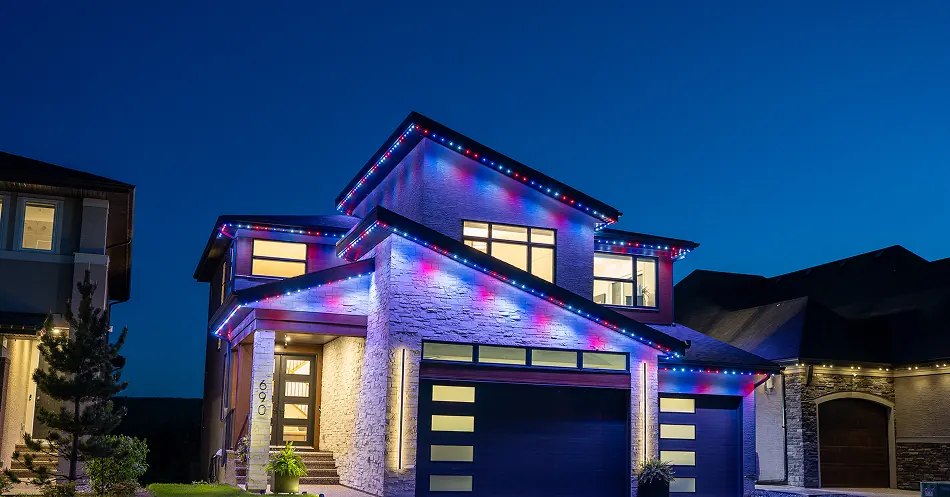
Permanent holiday lights replace the boxes in the attic. Instead of a string for Christmas, another for Halloween and a flag for the Fourth, you get one set of LED lights in a color-matched track along the roofline. Each light can be any color, so the house can be orange in October, red and green in December and pink in February without anyone touching a ladder.
For holiday lighting installation around Atlanta that matters more than it sounds. Plenty of North Atlanta homes are two stories tall, and late-fall weekends are short on daylight. With a permanent system the only seasonal job left is choosing a pattern.
Start with the big one on permanent Christmas lights, or read how Autopilot works if you would rather not think about it at all.
- Holiday patterns ready in the app
- Autopilot changes them for you
- Out of sight between holidays
Through the year
A Year of Holidays on One Roofline
Hands-off
Let Autopilot Keep Track of the Dates
Autopilot is the feature most holiday fans end up loving. You subscribe to the holiday calendars you care about in the Gemstone Lights app, and on each date the lights switch to a pattern made for it. Your own timers and favorite looks cover the rest of the year.
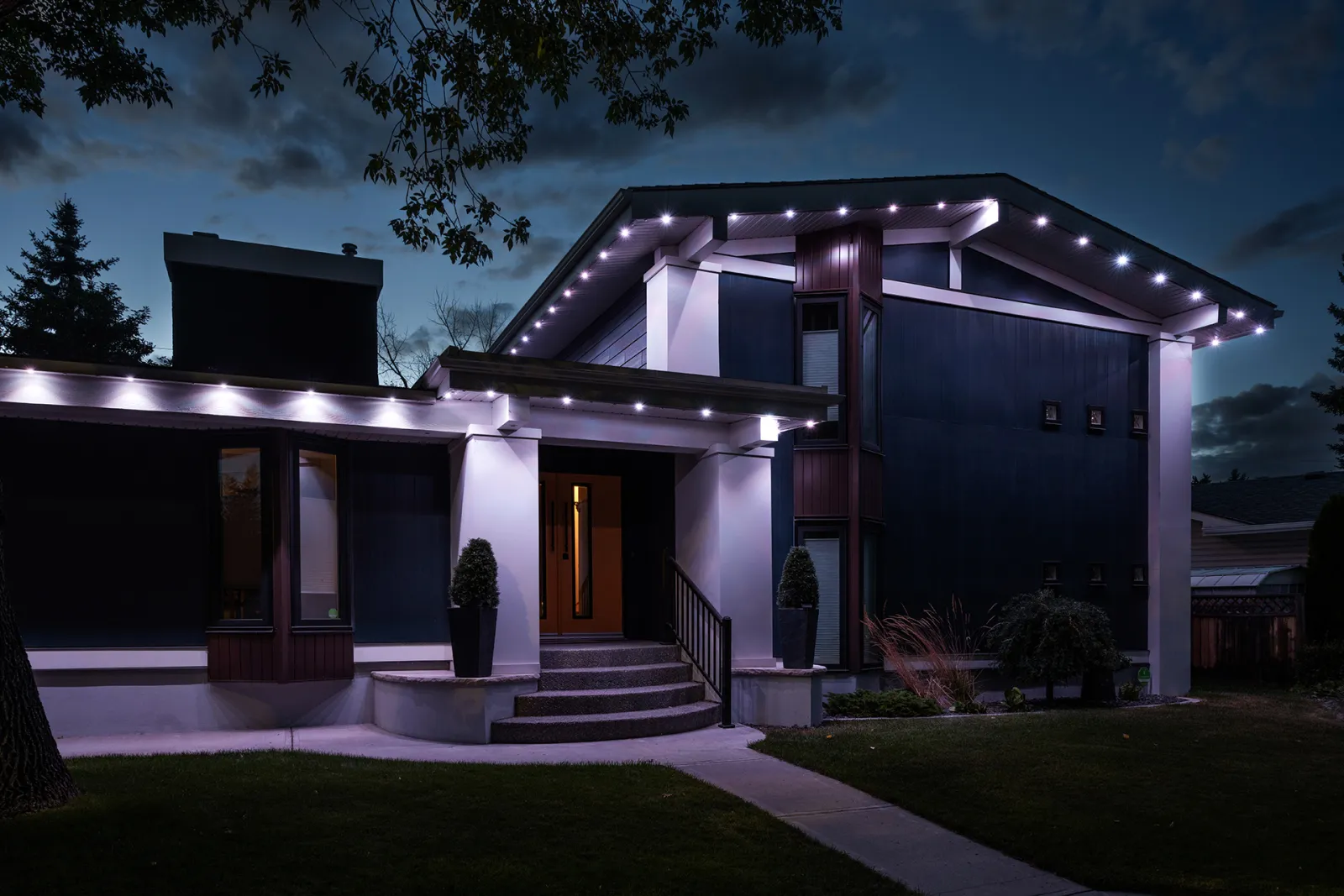
You can still step in whenever you like. Swap in a favorite from the Halloween folder, run a playlist that rotates through several looks during the evening, or turn everything to warm white for a dinner party. Your sunset and sunrise timers keep doing their job in the background.
More on scheduling lives on Smart Scheduling.
Set it up once
Plan a Year of Holiday Lighting in One Sitting
-
Step 1: Pick your holidays
Open Autopilot and subscribe to the holiday calendars you want, from New Year's to Christmas.
-
Step 2: Save your favorites
Browse the 14,000+ premade patterns and drop the ones you like into folders by holiday.
-
Step 3: Set the hours
Add a sunset-to-sunrise timer, or a set time to switch off if you prefer the lights off overnight.
-
Step 4: Choose an everyday look
Most people pick warm white for the nights in between, so the house looks finished all year.
Smaller occasions
The Holidays in Between
The same lights handle the days that never got their own box of decorations.
St. Patrick's Day
A clean emerald green along the eaves, or green and white alternating light by light.
Easter and spring
Soft pastels for the weekend, then back to warm white when the egg hunt is over.
Mother's Day
Her favorite color on the house when she pulls into the driveway.
Thanksgiving
Amber, gold and deep orange that sit nicely between Halloween and Christmas.
Hanukkah and Diwali
Blue and white, or rich golds and warm white, set for exactly the nights you want.
Birthdays
Save a pattern in the guest of honor's colors and set a timer that repeats every year.
Holiday Lighting FAQs
No. Every light can show any of more than 16 million colors, so the same system covers Halloween, the 4th of July, Valentine's Day and anything else you celebrate. Most homeowners run warm white on ordinary nights.
You subscribe to holiday calendars in the Gemstone Lights app. On each date Autopilot changes the lights to a fitting pattern, and your own timers and patterns cover the days in between.
Yes. You can keep a sunset-to-sunrise timer for everyday use and add separate timers that repeat every year, for example later hours on New Year's Eve or an early switch-off on school nights in October.
For most homes, yes. Installation time depends on the size of the house, but many installs are finished in as little as one day, and after that nothing needs to go up or come down.
Price depends on how much roofline you want lit, the shape of the house and the track your trim needs. We measure and give you an exact number at no charge, so request a free quote and we will take it from there.
Keep exploring
See What This Could Look Like
on Your Home
Tell us a little about your home, and we'll help you understand what a professionally installed Gemstone Lights system could look like for your space.
Thanks — your request is in. A specialist will be in touch shortly.